Personal finance, made simple. Tang La logs your income and expenses automatically from the notifications on your phone — no typing required.
✓ Data stays on your phone✓ No account neededไทย · English
Phone notification
Payment successful
฿150.00
auto-matched
Transaction
☕ Coffee
-฿150.00
Features
Everything in one app
From everyday spending to loans and long-term goals
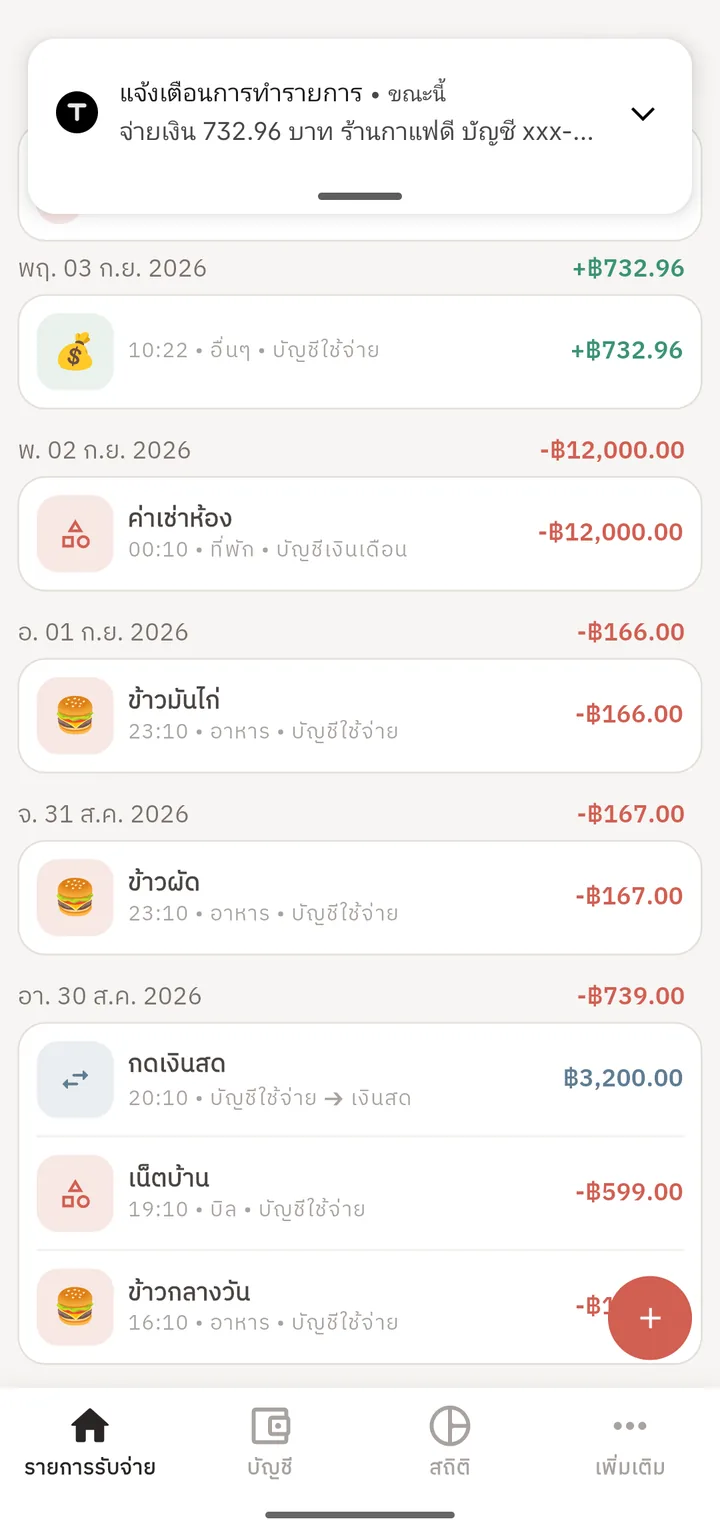
Auto-capture from notifications
You choose which apps' notifications on your phone Tang La reads (for example a bank or e-wallet app), and it fills in the amount and category each time one arrives.
Debts & loans
Track any debt as an account for free. With Premium, Tang La estimates each period's interest and late penalties, splits principal from interest and keeps the history (estimates only — your lender's statement is the real figure).
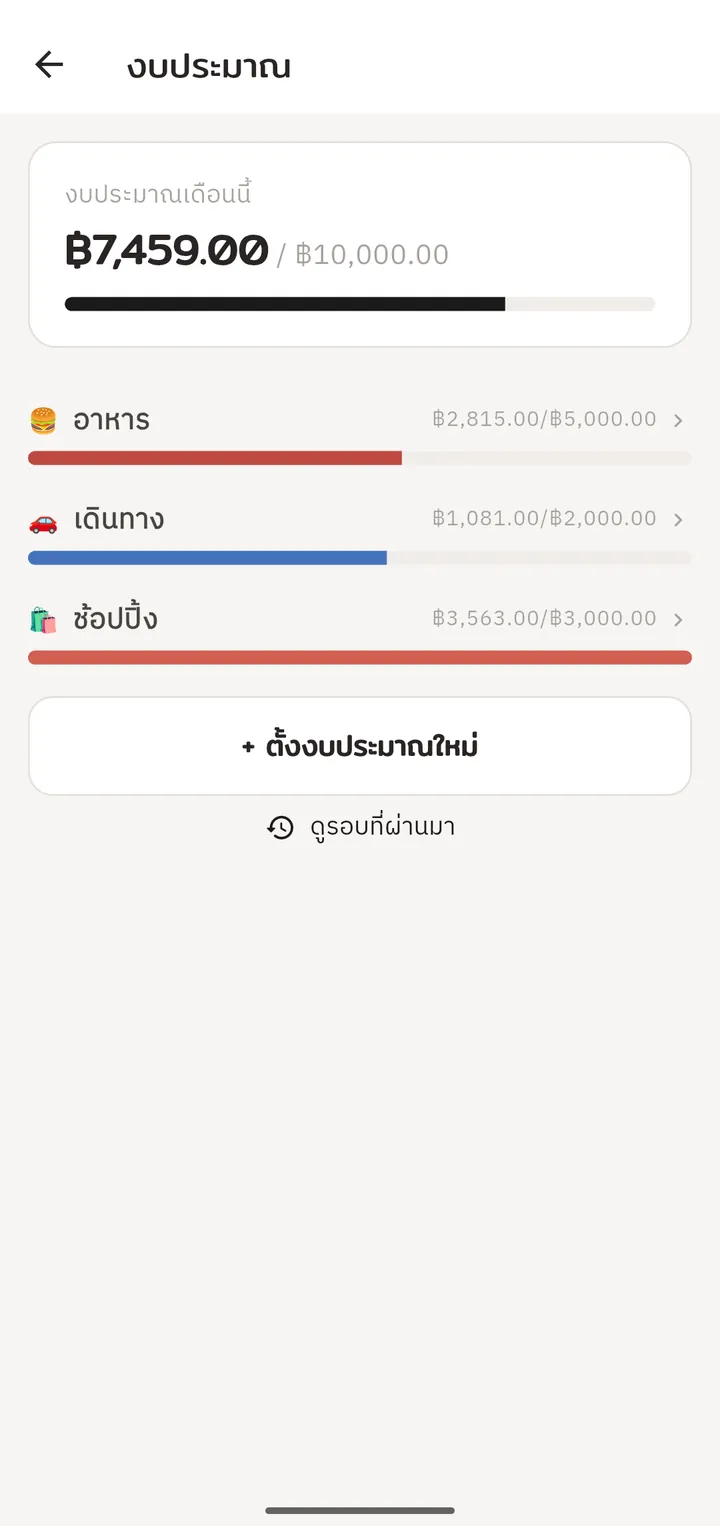
Budgets by category
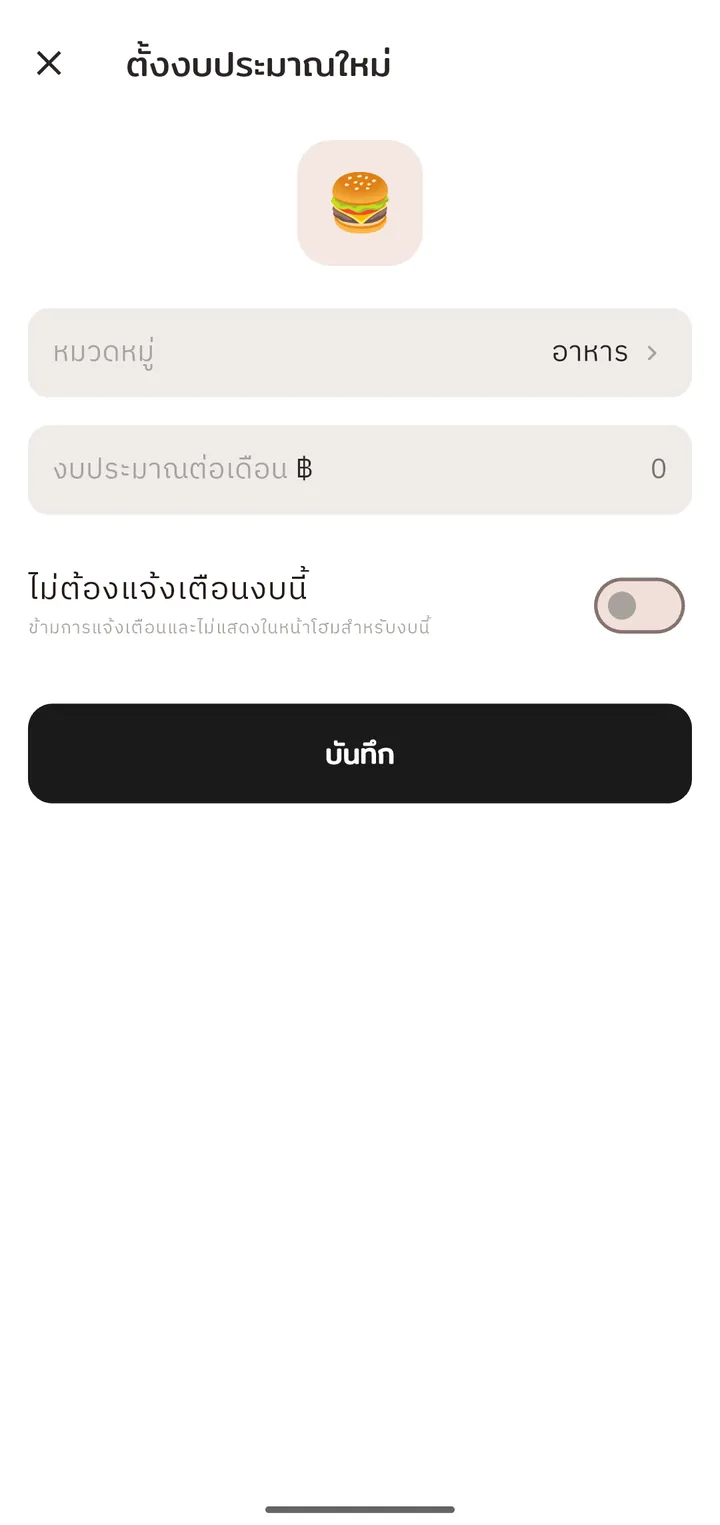
Set a monthly limit per category and get notified as you approach it — not after you've already blown past it.
Recurring transactions
Bills, rent, or loan installments post themselves on schedule — no more remembering due dates. When the payment notification for one arrives, Tang La suggests the match so nothing is counted twice (Premium matches it for you).
Savings goals
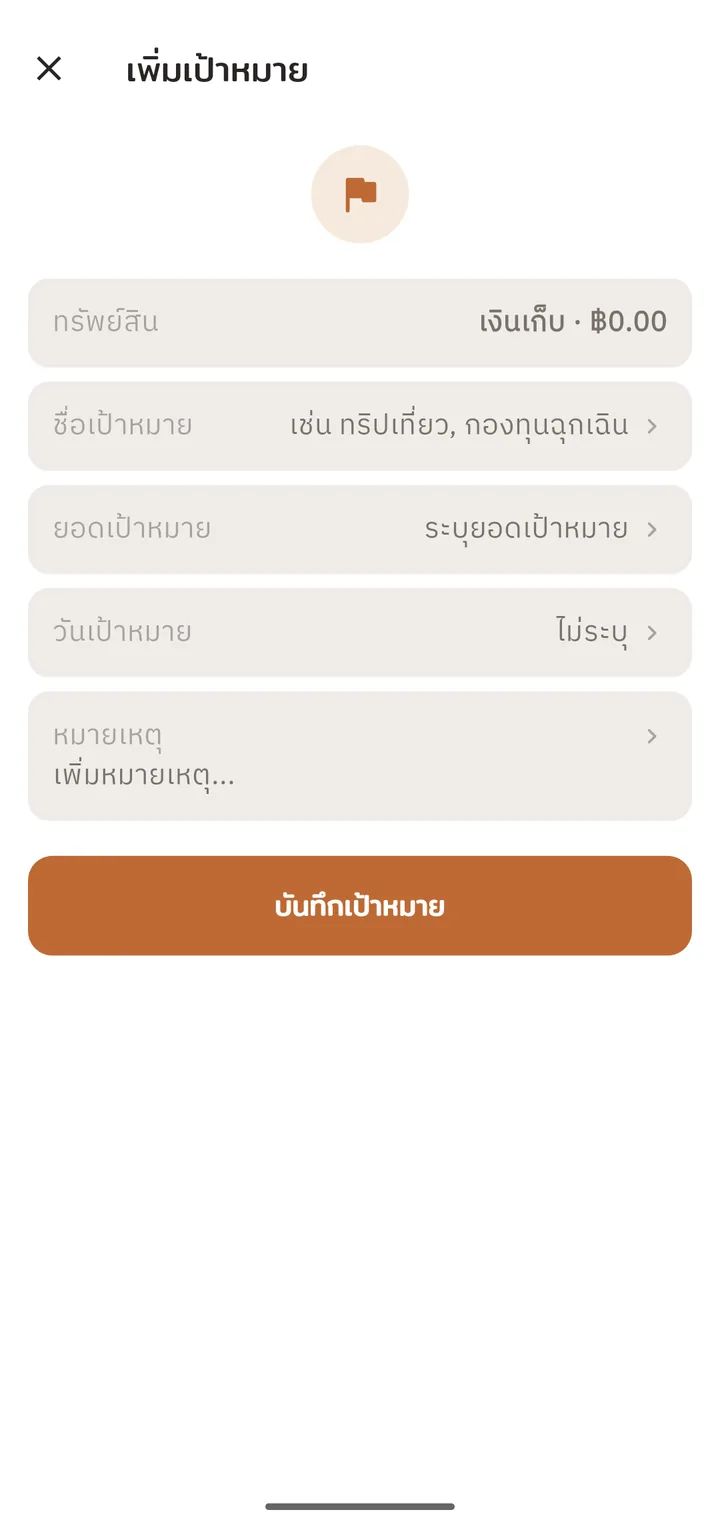
Link a goal to a real account — progress updates automatically as that account's balance moves.
Net worth overview
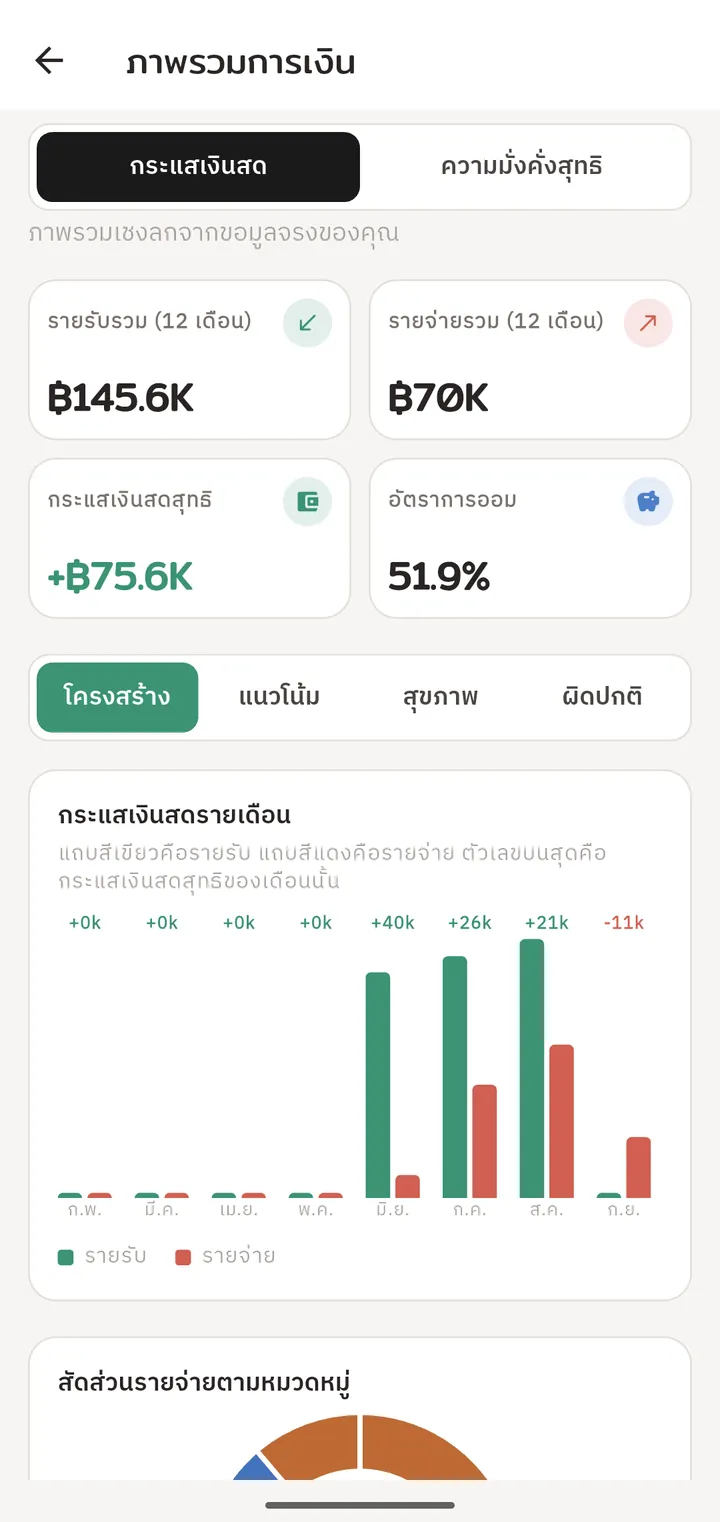
Every account — cash, cards, investments, loans — in one picture. The history chart and cash-flow dashboard are in Premium.
Your data stays put
No server ever holds your financial data. Encrypted backups are entirely optional, on your terms.
Home widget & app lock
Check your balance right from the home screen, and lock the app with a PIN or your fingerprint.
Receipt photos
Snap or pick a photo of a receipt or payment slip and attach it to the entry. Photos stay on your phone.
Investment portfolio
Record stock buys and sells and see your holdings and average cost. Market value and yearly return (XIRR) are in Premium.
Tax deductions Premium
See how much of each Thai tax allowance you've used and what's left, how much more RMF and ThaiESG you can buy, with a reminder before the year ends. Figures are estimates.
Period summary Premium
Income, spending, savings rate and top categories against the period before — share it as an image with amounts hidden.
Subscription finder Premium
Spots monthly spending that isn't a recurring item yet, and warns when a price goes up or a rule keeps posting after you stopped paying.
IOUs & split bills
Keep track of who owes whom, split a bill from an expense, and ask for money with a PromptPay QR made on your phone. Your balances stay as they are.
Move in from another app
Import entries from a CSV file: map the columns, accounts and categories, review a summary first, and undo the import if something went wrong.
Google Drive backup Premium
Back up to your own Google Drive, automatically if you like, and restore on a new phone.
Screenshots
The real thing, before you install
Straight from the app — light and dark themes
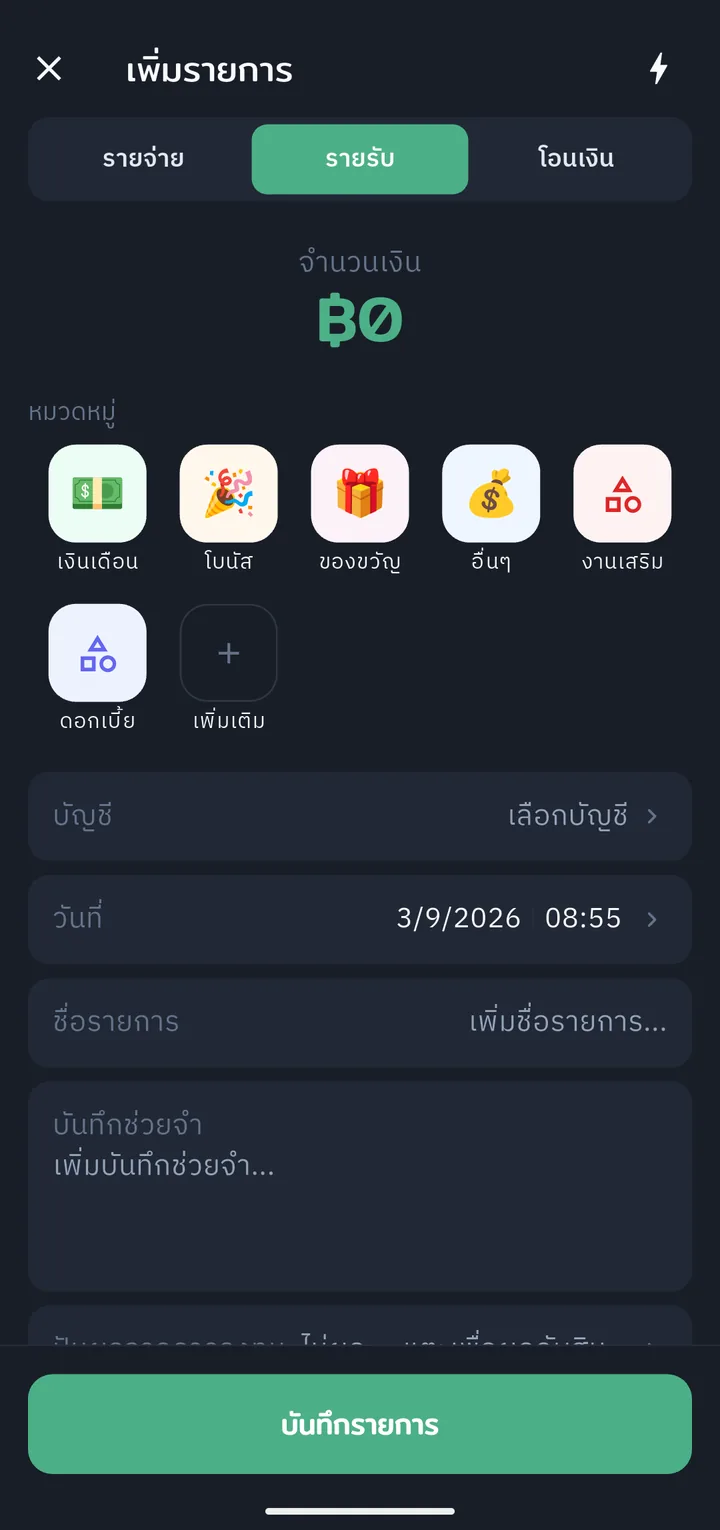
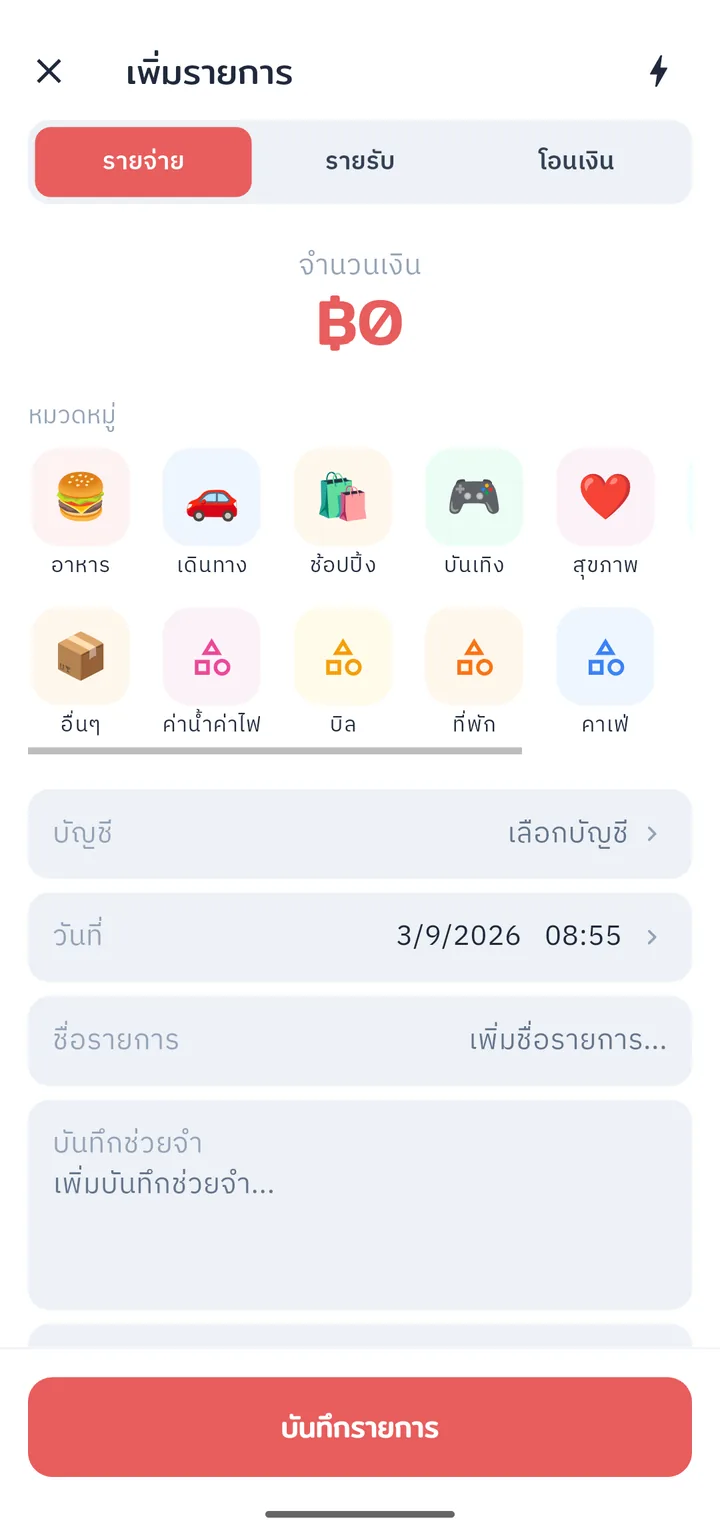
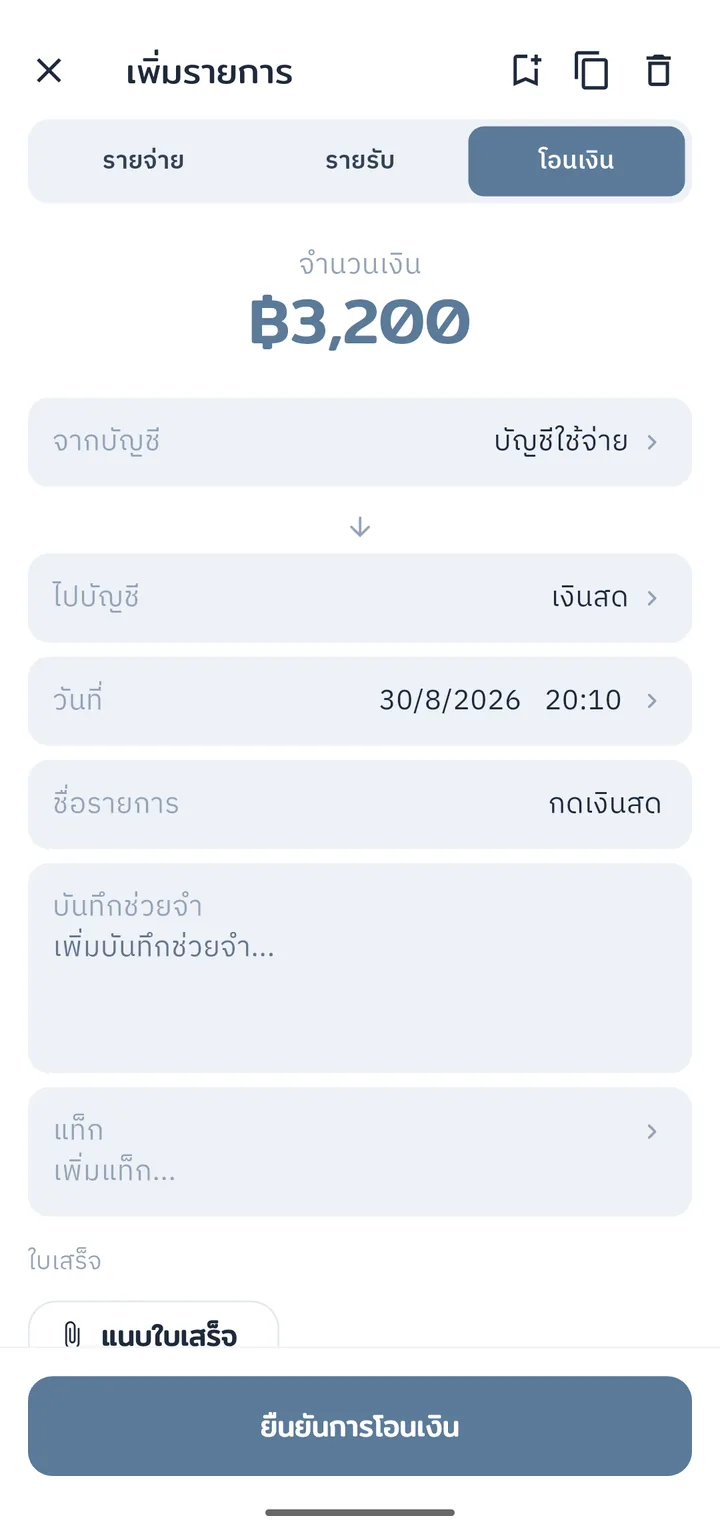
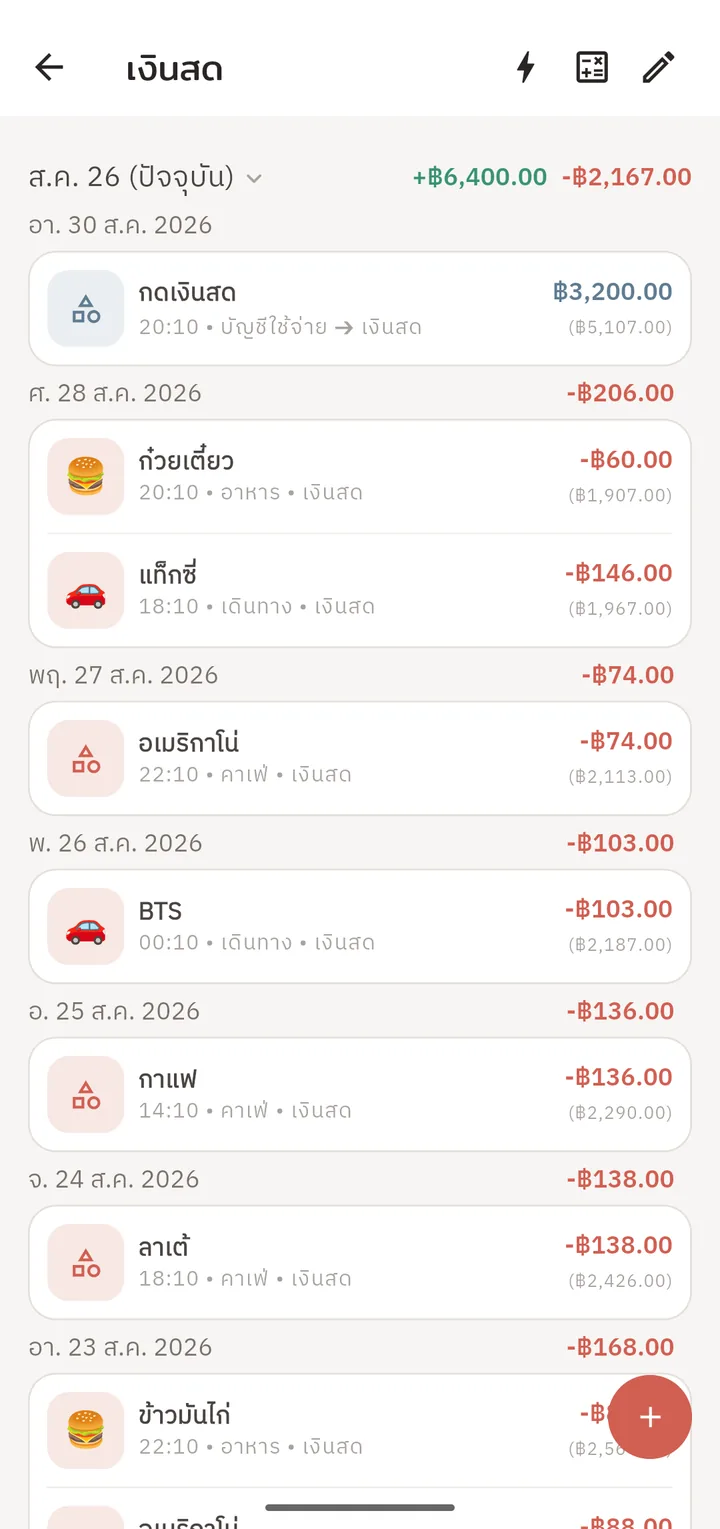
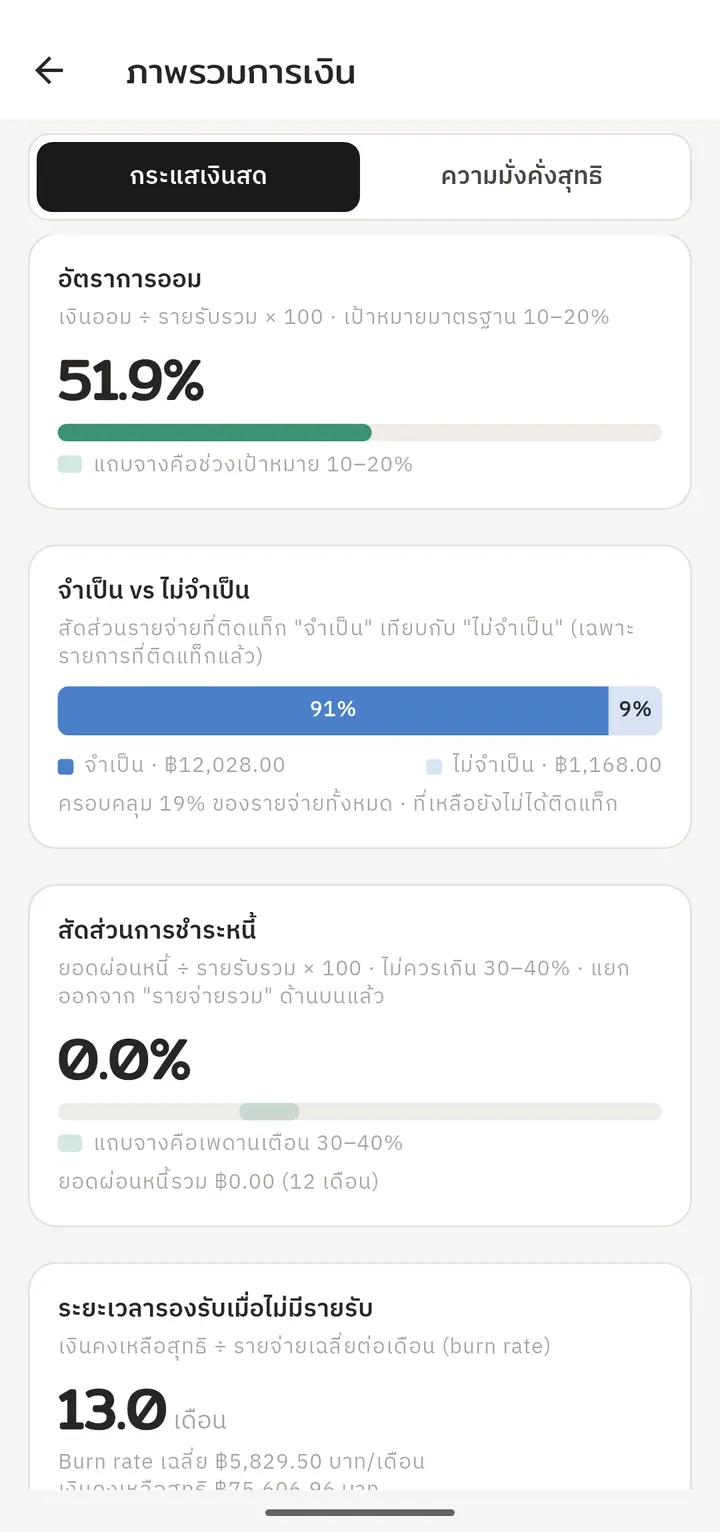
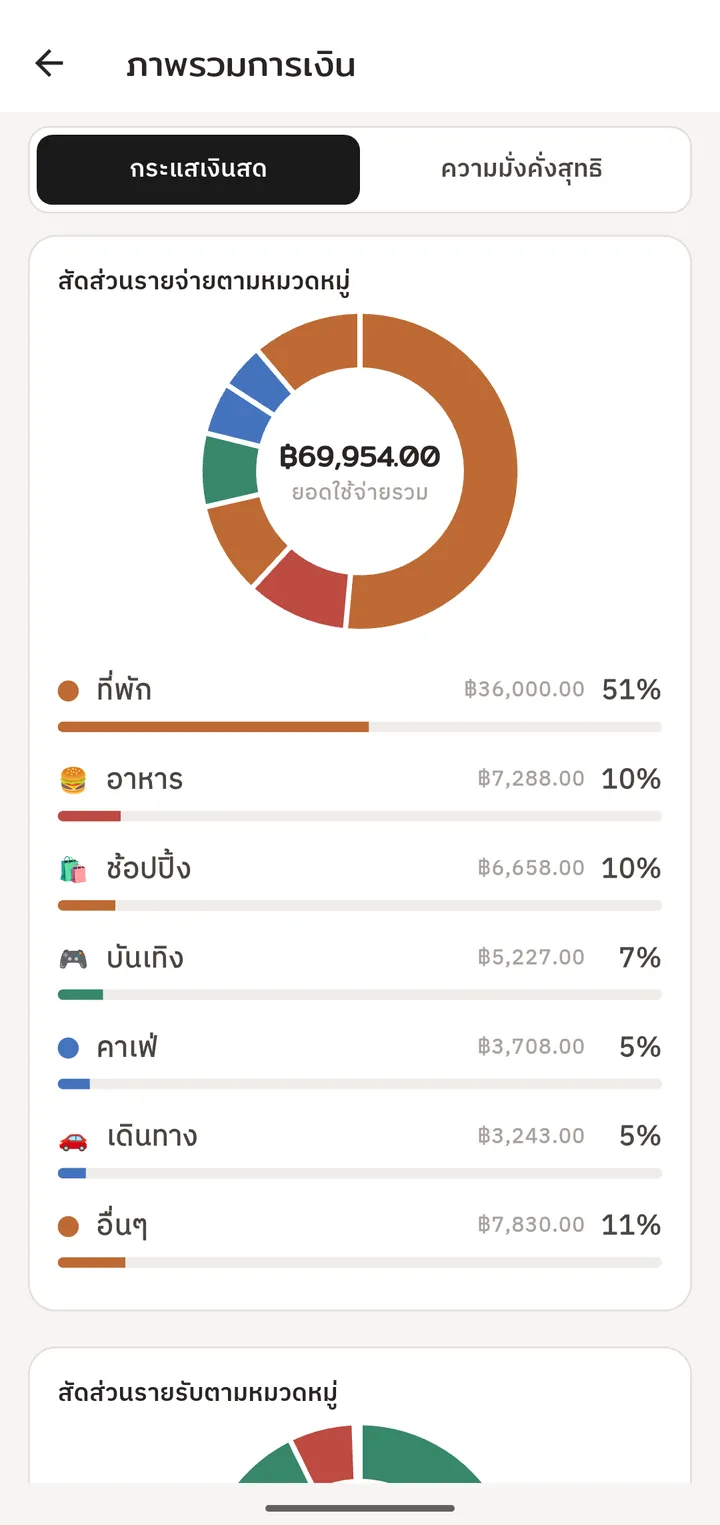
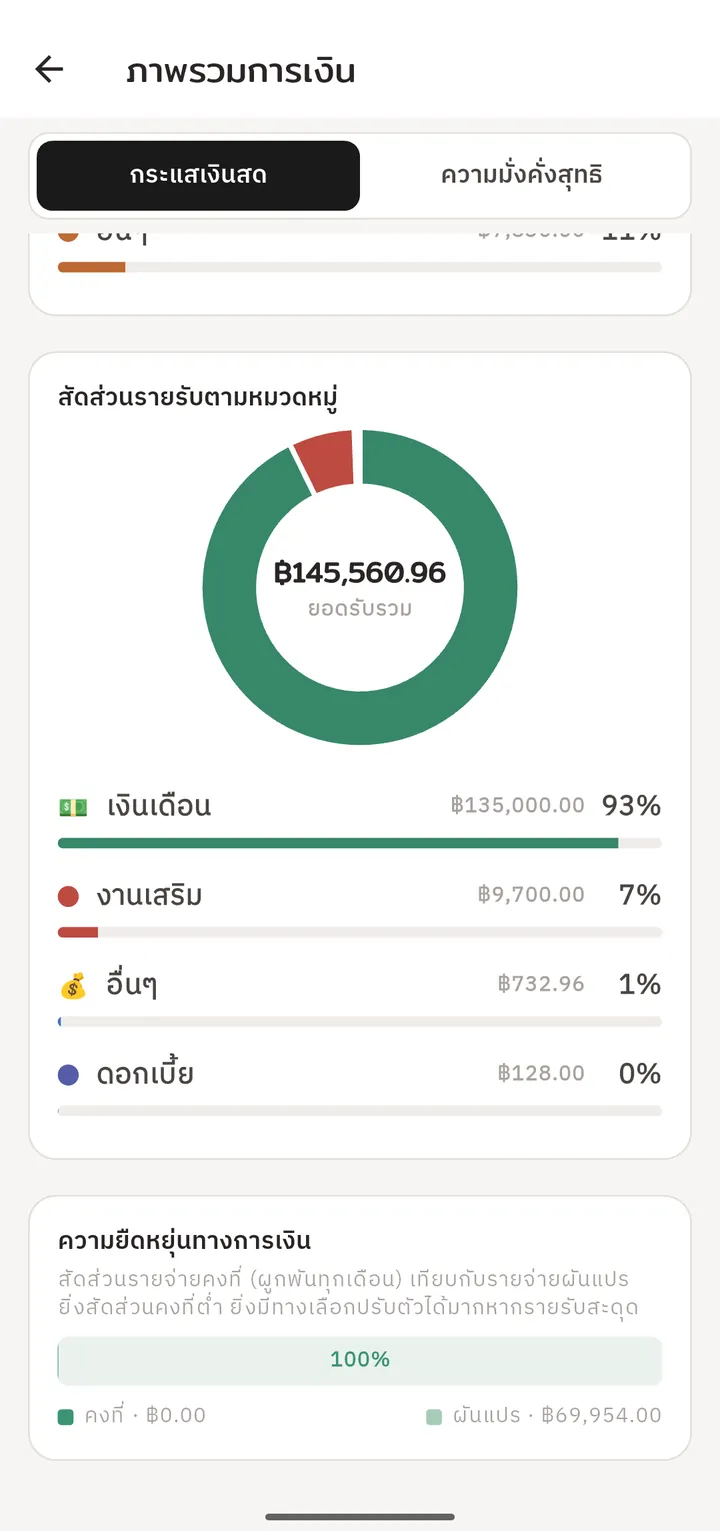
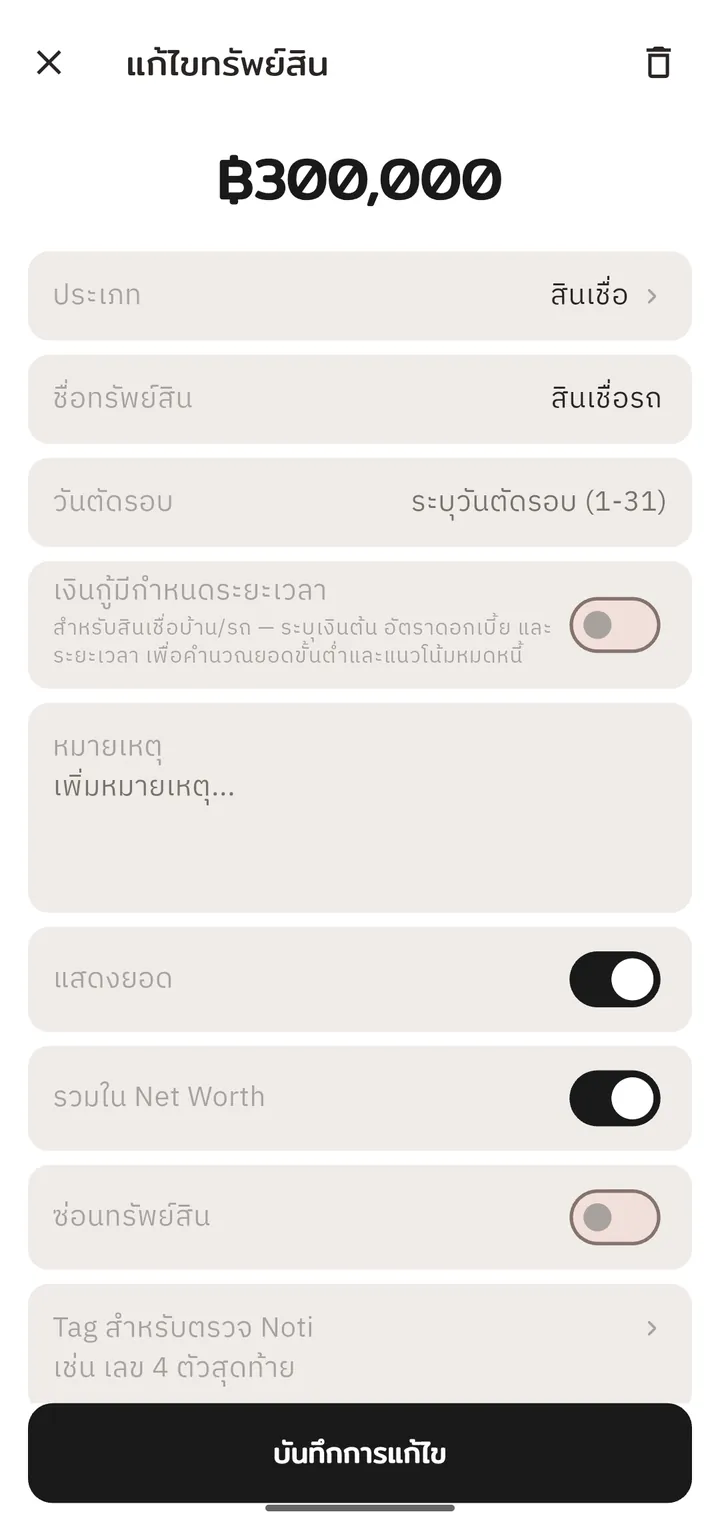
Auto-capture from notifications12-month cash-flow overviewPer-category budgetsDark themeAdd an entry by handTransfers · receipt photosRunning balance per entrySavings goalsSavings rate & money healthSpending by categoryIncome by categorySet your own monthly budgetTrack assets and debts
Home screen
See your money before you open the app
Four resizable widgets that follow your light/dark theme. Balance, Budget and Quick Add are free — the Shortcut button is Premium.
Total balance
฿128,450
Budget left฿7,000
Balance · Free
This month1–30 Sep
฿13,000 / ฿20,00065%
Food฿5,200 / ฿6,000
Transport฿3,100 / ฿5,000
Budget · Free
Total balance
฿128,450
− Expense+ Income⇄ Transfer
Quick Add · Free
🍜
⛽Fuel −฿500
Shortcut · Premium
Free & Premium
Free to use, upgrade in the same app
There's one Tang La app and it's free to install. Want everything? Buy Premium inside the app — no second app to install, and your data stays as it is.
Free
Shows a banner ad
Auto-capture from notifications: up to 4 apps, 4 patterns each
Up to 5 accounts, 3 savings goals and 10 recurring entries
Category budgets with alerts
Receipt photos and CSV import
Record debts and stock trades
Balance, Budget and Quick Add widgets
App lock with a PIN or fingerprint
Premium
One-time in-app purchase — no subscription
No ads
Unlimited apps, patterns, accounts, goals and recurring entries
Recurring entries and transfers between accounts matched automatically
Loan interest and penalty estimates per period
Cash-flow dashboard and net worth history chart
Portfolio market value and return (XIRR)
Google Drive backup
Shortcut widget, and managing from your computer with tangla-manage
Loan interest and penalty figures are estimates to help you plan — your lender's statement is the real figure.
Manage Tang La from your computer
Open the tangla-manage web page on a computer that's on the same Wi-Fi as your phone, and view, add, edit and delete entries, accounts, categories and budgets on a bigger screen. Nothing goes through an outside server, sign-in is required, and it's a Premium feature.